
Don't have an account?

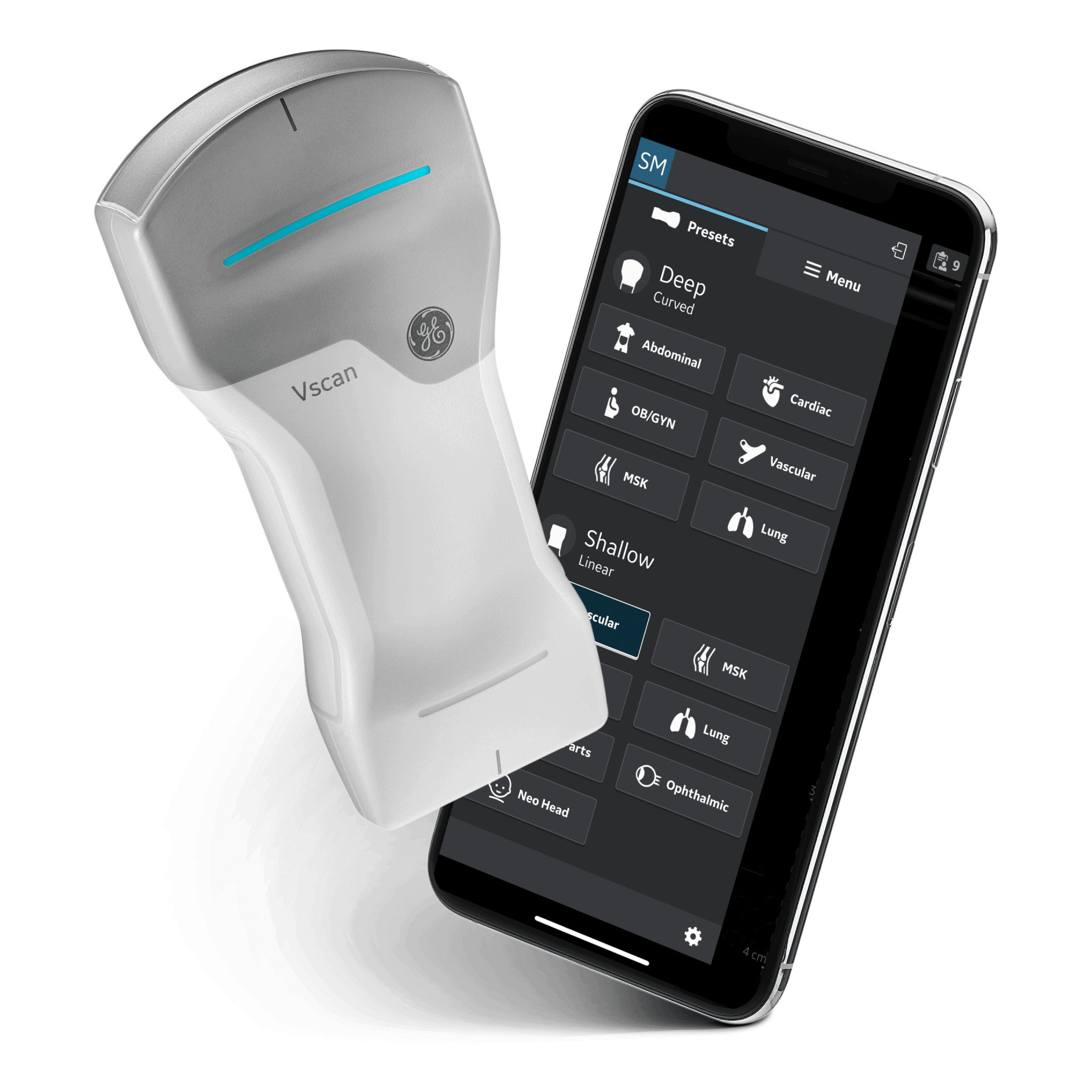
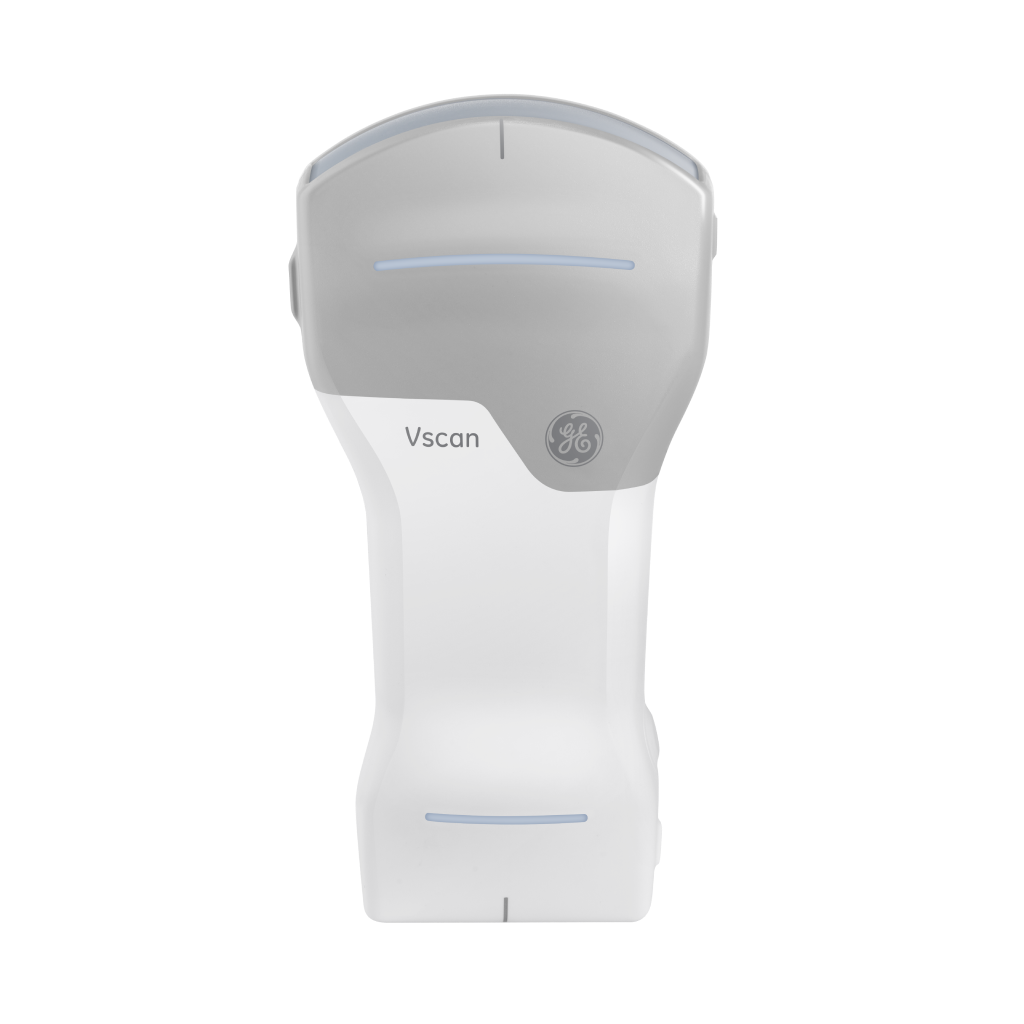
Wireless dual-probe
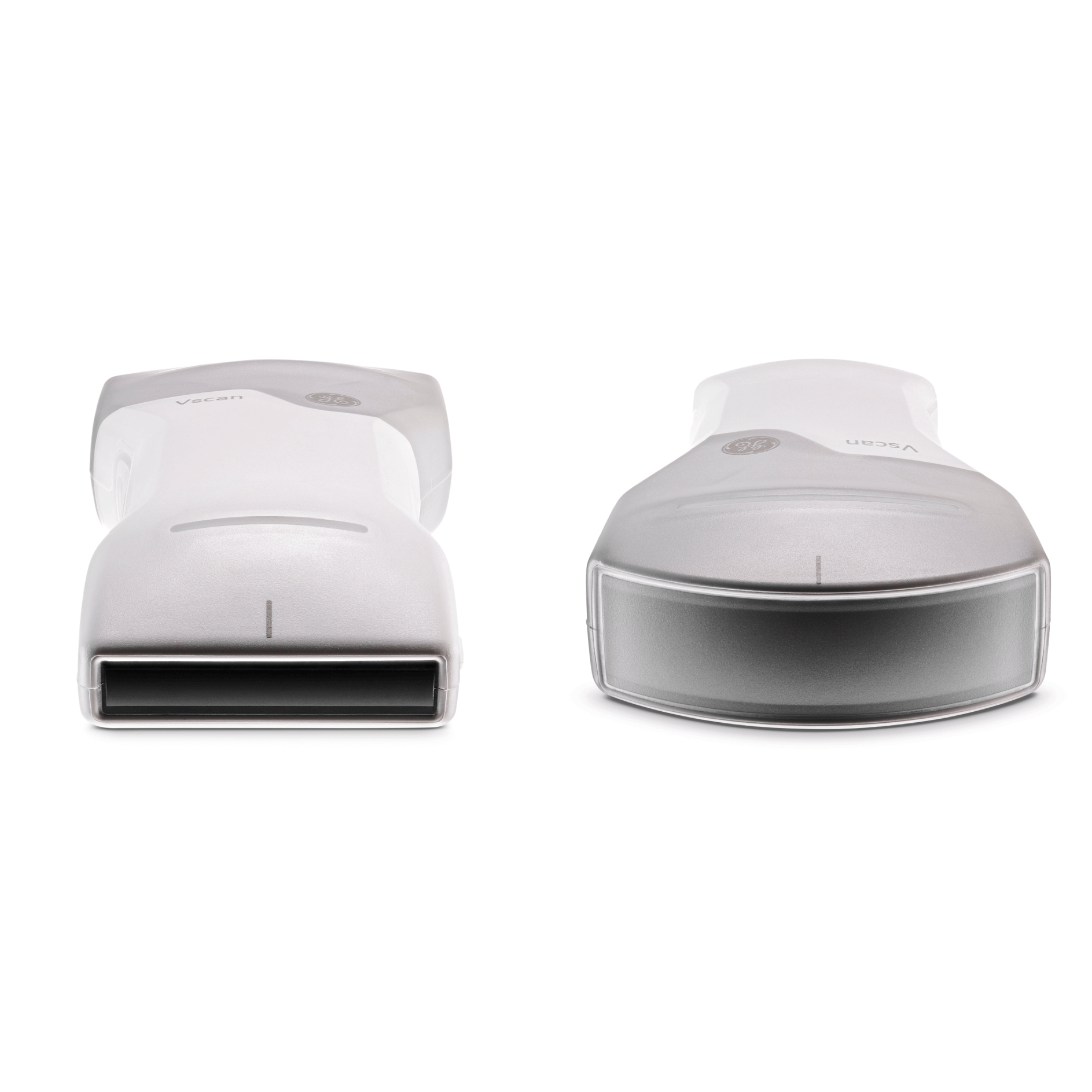
- Wireless dual-probe with curved and linear transducers - Algolia Validation 1
- Ultra-portable, cordless, customizable, and intuitive
- Ideal for abdominal imaging, obstetric assessments, MSK and lungs
- Crystal-clear images with the power of SignalMax™
- Connects to the Vscan Air app with compatible Android ™ and iOS™ devices
AccessoriesRequired
H45611UT$550.00
Algolia test 1
H45601WV$350.00
H45601MM$100.00
Algolia test 1
Pay over time with Affirm. See if you qualify at checkout.
Est. shipping: 10/24/2026|

Algolia Validation

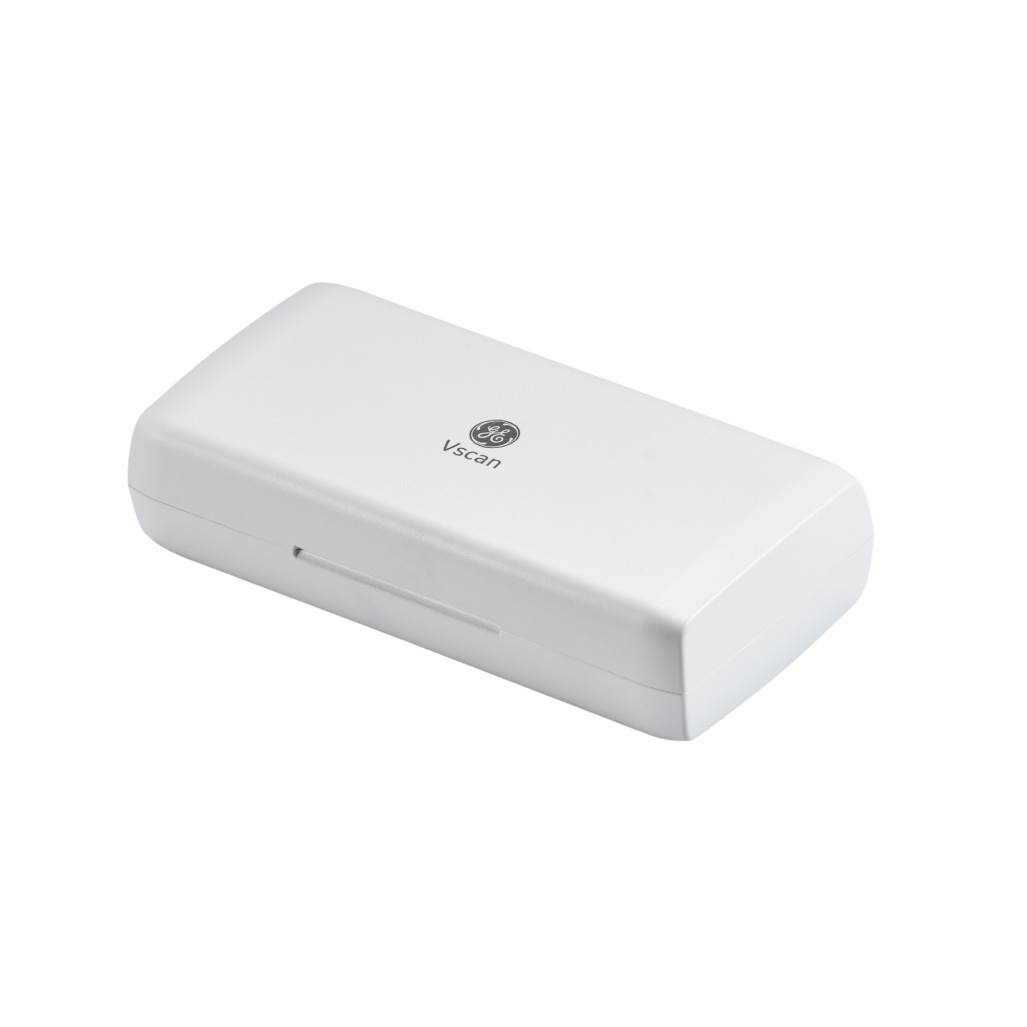
Vscan Air CL Carrying Case

Vscan Air CL Carrying Case
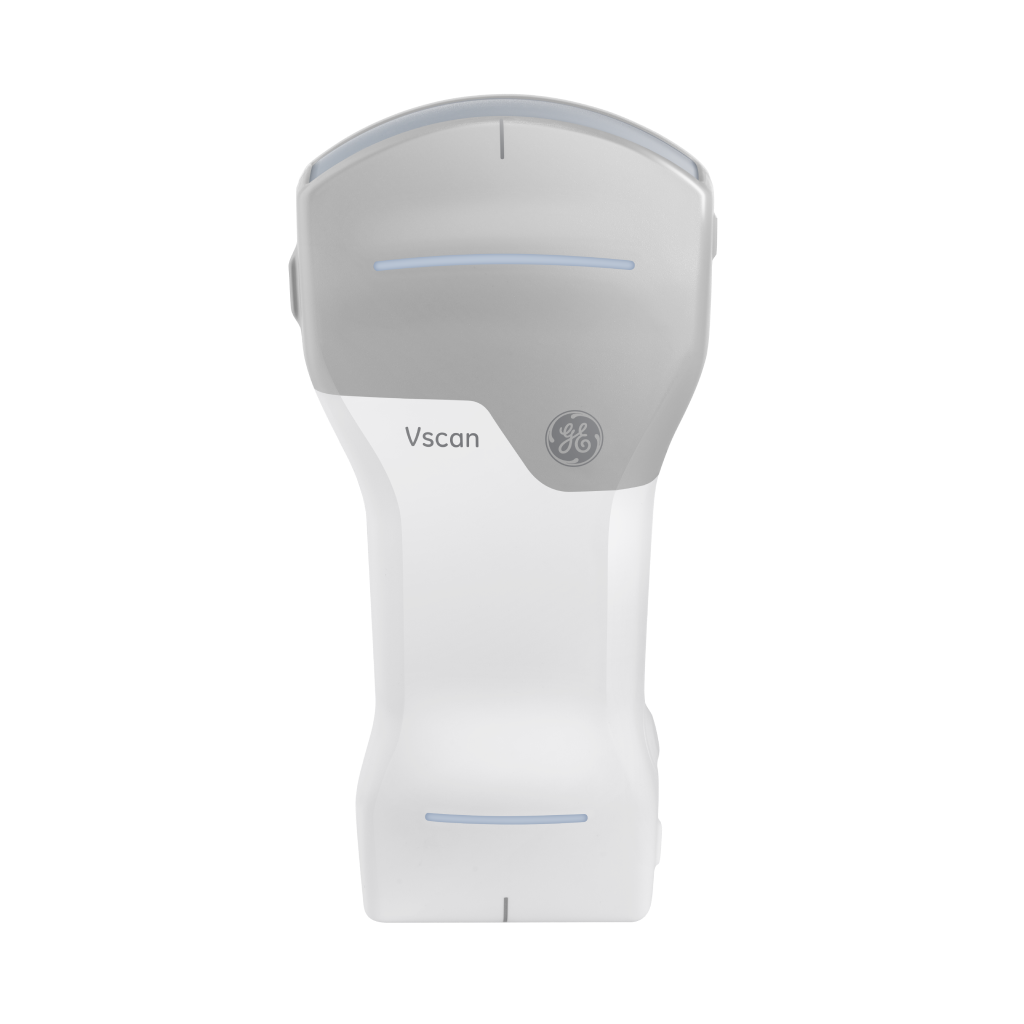
Vscan Air CL Probe
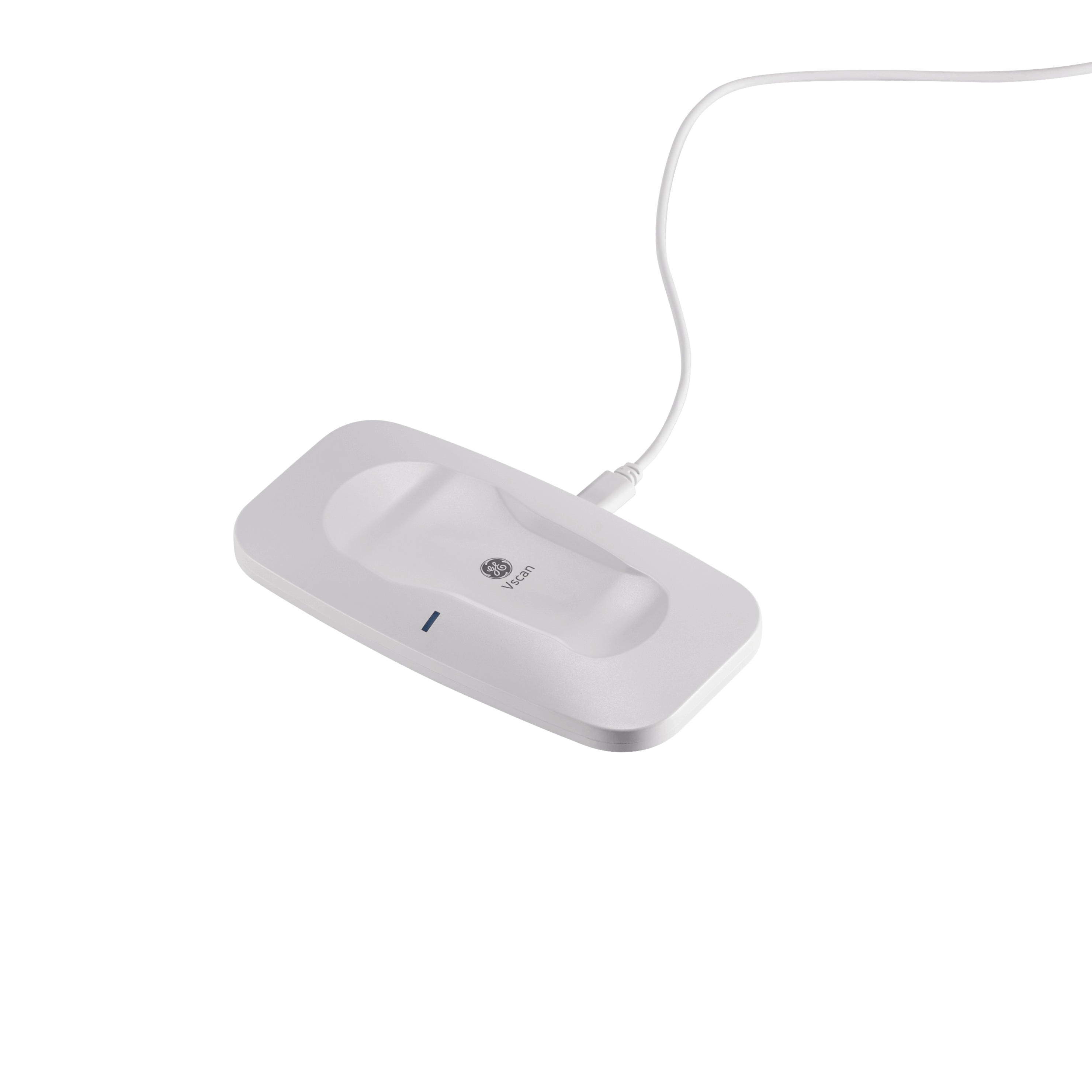
Vscan Air CL Wireless Charger

Vscan Air CL Quick Start Guide
Product Specifications
Details
Dimensions
131 x 64 x 31 mm
General characteristics
128 physical channel beamforming. Harmonic imaging for increased signal-to-noise ratio and reduced artifacts from side lobes, grating lobes, and reverberations, resulting in superior tissue definition and reduced speckle artifacts. With the greater penetration of lower ultrasound frequencies, high-quality harmonic imaging at greater depth can be performed.
Weight
205 +/- 3 grams, IP67-rated
Drop robustness
MIL-STD-810G, Method 516.7, Table 516.7-7
Scan Time
Start scanning faster with smart connect pairing, which keeps your probe connected to your display device while charging. Total scan time of 50 minutes with fully charged battery (with 80% black and white, 20% color imaging). Recharge battery from 10% to 90% capacity in 75 minutes.
Test
test
Data Storage & Security
Patient data identification
Manual data entry of patient information for an exam. Select from DICOM® Modality Worklist on request. Such worklist supports consistent labeling of images, video clips, and exams before export to DICOM PACS. Query DICOM Modality Worklist for a particular Patient ID
Exam data on device
Data for up to 500 exams can be stored on mobile device. Data is stored in generic formats: jpg for still frames, mpg for videos. Complementing storage of binary image data can be selected. Such data could be useful for further image analytics in collaboration with GE HealthCare. Data is organized as individual examinations with a collection of images and can be linked with patient identification. All stored data can be recalled for review.
Data export
Anonymized images and videos can be shared with other apps available on smart devices. Images, video clips, or exams with or without patient information can be wirelessly exported in generic formats (jpg, mp4) to shared network folders. Images, video clips, or exams with patient information can be wirelessly exported in DICOM format to DICOM PACS. Images, video clips, or exams with patient information can be wirelessly exported in DICOMweb™ format using TLS protocol to MyImageCloud1 (option) or other comp third-party cloud storage (STOW-RS)
Supported DICOM services
Verify, Modality Worklist, Store, Storage Commitment, Secure DICOM (TLS), Secure DICOMweb –STOW-RS (TLS)
Data security
Vscan Air app starts only after confirmation of mobile device protection with user authentication. Additional security provision via unique user accounts and password protection for the app. Multiple users utilizing a shared mobile device can create and use their own account. Images and other patient information data are stored in a private, on-device space with no access from other apps on the mobile device. Images are stored on-device without embedded patient identification and linked with encrypted patient database. FIPS 140-2 compliant database encryption (AES-256-bit encryption). User-selectable, additional PIN-protected access to patient data on Vscan Air app. Exam data is wiped off the device after 10 attempts with incorrect PIN.
Secured data on the move
Images are anonymized before being shared with other apps on the mobile device support of enterprise-grade wireless encryption standards including EAP and WPA2 (PSK). TLS encryption with optional peer authentication to support secure DICOM transfer. Configurable time period for image removal on the device after confirmed storage from DICOM Storage Commitment server. MyRemoteShare calls are encrypted end to end (over TLS) (option). Image/Exam export to MyImageCloud is via secure DICOMweb transfer (STOW-RS over TLS) (option)
Probe characteristics
Curved array transducer for deep scanning
Broad-bandwidth curved array: 2 - 5 MHz with center frequency of 3.3 MHz
Number of elements: 128
Footprint: 64 mm x 16 mm (lens)
Viewing angle: Up to 60°
Depth: Up to 24 cm
Specific clinical applications and exam types including: abdominal, fetal/obstetric, gynecological, urological, thoracic/lung, cardiac (adult and pediatric, 40 kg and above), vascular/peripheral vascular, musculoskeletal (conventional), pediatric, interventional guidance (includes free-hand needle/catheter placement, fluid drainage, nerve block, and biopsy)
Linear array transducer for shallow scanning
Broad-bandwidth linear array: 3 - 12 MHz with center frequency of 7.7 MHz
Number of elements: 192
Footprint: 40 mm x 7 mm (lens)
Depth: Up to 8 cm
Specific clinical applications and exam types including: vascular/peripheral vascular, musculoskeletal (conventional and superficial), small organs, thoracic/lung, ophthalmic, pediatric, neonatal cephalic, interventional guidance (includes free-hand needle/catheter placement, fluid drainage, nerve block, vascular access and biopsy)
Modes
Color Doppler
Color flow: Color-coded overlay for real-time blood flow imaging
B-mode
Black/white imaging. Black-and-white mode for displaying anatomy in two dimensions in real time
PW
Pulsed wave spectral Doppler displays speed and direction of blood flow allowing velocity
measurements
M-mode
Motion mode displays tissue motion over time (along one direction as indicated by M-mode cursor)
User Interface
Details
Helps enhance ultrasound imaging with a minimized number of keys and intuitive, thumb-
controllable, touchscreen user interface. The Vscan Air app supports portrait as well as landscape mode to optimize image size and ergonomics for different use scenarios.
Single key/gesture to control freeze/unfreeze, store, gain, and depth control. Two steps to change preset with appropriate transducer. Two steps to start reviewing images from an exam. Presets with optimized settings for imaging different organs. User selectable default preset for immediate use after starting the app.
Measurements
Details
Distance, circumference, angle, velocity, slope, heart rate, and obstetric measurements (BPD, HC, AC, FL, CRL, AFI, DVP and AOP)
Annotations: Arrow and free text
Device configuration and management tools are easily reachable by swiping in the menu.
Enablement of TGC controls, preview mode, storage of binary images, settings for auto-freeze, video duration, configuration of probe button function (freeze or store), selectable centerline marker, transducer element check , TGC control with 6 depth-dependent gain controls, download user manual in selectable language to Vscan Air app, diagnostics in Vscan Air app with ability to upload log files to GEHC server, direct access to customer support information, link to cloud-based educational materials, information about software status of probe and app with ability to un- and re-register.
Standard Configuration
What’s Included in the Standard Vscan CL offering
Vscan Air CL probe, Vscan Air app (Vscan Air for iOS and Vscan Air for Android). Protective carrying case. Wireless charger including USB cable. Country-specific AC adapter. Quick Start Guide. Electronic Instruction Use Guide.
Digital Tools
Digital Tools
Digital Tools for Vscan Air are optional and sold separately from the device, either individually or as part of an offering bundle (e.g., Vscan Air Individual bundle or Vscan Air Fleet bundle).
MyRemoteShare
Enables a Vscan Air user to engage in an audio conversation with a remote person while using the device to share the scan screen (video from the user’s mobile device camera may also be shared). Remote participants can join a MyRemoteShare session via any standard web browser on a computer or mobile devices via a unique link. MyRemoteShare is powered by Zoom’s secure healthcare application.
MyImageCloud
A cloud based secure data storage and management solution for DICOM images and exams exported from a Vscan Air app. Accessed by logging into myvscan.gehealthcare.com using the same credentials used for the Vscan Air app. Review uploaded exams/images or share them with named peers or colleagues.
MyDeviceHub
A device management solution for enterprises to manage their fleet of Vscan Air devices. Accessed by the organization’s named administrators via myvscan.gehealthcare.com. Ability to register Vscan Air probes, manage access to named users, and centrally configure DICOM servers.
Display Devices & Operating System
Details
Operating system options - Android phones and tablets with OS version 11, 12, 13 or newer. Devices with 0x64 ARM based CPU architecture and 64-bit Kernel, minimum 4 GB RAM. Android open GL ES 3.0, and compatibility with Google Play™ store. iPhone devices with iOS 14, 15, 16 or newer. iPad devices with iPad OS 14, 15, 16 or newer.
Screen Requirements
Size: 5 to 20 inches. 960 x 640 (or 640 x 960) pixel or more.
Internal memory requirement
8 GB storage space
Connectivity requirements
IEEE 802.11n. Peer-to-peer connectivity (Android only). Bluetooth BLE 4.0
Security requirements
WPA2™
Data on device must be encrypted and authentication enabled.
We highly recommend using a display device and OS that are verified/ validated by GE HealthCare for compatibility with Vscan Air. The list of verified/validated devices can be found in Vscan Support Center.
Details
Data Storage & Security
Probe characteristics
Modes
User Interface
Measurements
Standard Configuration
Digital Tools
Display Devices & Operating System
Warranty promise
Your Vscan Air handheld ultrasound system comes with 1 year of standard warranty +2 years of service coverage that includes remote support and probe exchange/repair.


